Who joined, who left
Each daily check is compared against the stored list, and the difference is the report. Every name is confirmed with a second, separate lookup before it reaches you.
The official website of the LastFollow iPhone app
LastFollow, often searched as Last Follow, is an iPhone app, not a website. Pick a public Instagram account and an hour: once a day LastFollow's servers compare its followers and following lists with the previous check and send your iPhone a notification naming who started following, who left and which accounts it started following. A public account needs no Instagram sign-in. The first check sets the baseline, so the first report arrives the next day.
Free download with in-app purchases. See current App Store pricing.
Why choose LastFollow
LastFollow is built for one focused job. You pick an Instagram account, LastFollow checks it once a day on its own servers at an hour you choose, and a notification tells you who started following that account and who left. You do not have to open the app for the check to happen, and for a public account you do not sign in to Instagram at all. It is not a generic web scraper or a similarly named third-party service; the official iPhone app is published on the Apple App Store as LastFollow: Profile Tracker.
Use the official lastfollow.app domain and App Store ID 6746115791 when checking the app. The listing name is LastFollow: Profile Tracker; check that name and app ID before downloading.
Feature previews
Each daily check is compared against the stored list, and the difference is the report. Every name is confirmed with a second, separate lookup before it reaches you.
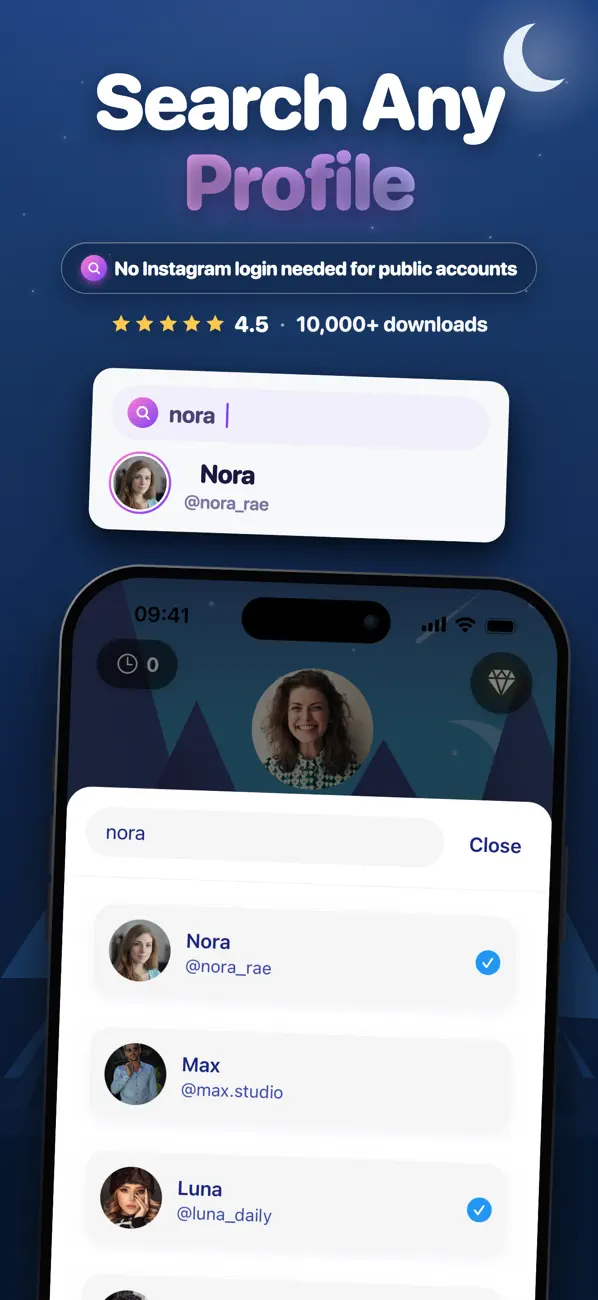
Search a username and tap Track. For a public account there is no Instagram sign-in and no password: the daily check runs on LastFollow servers.
Before you start: the first check records the account as it is today. A comparison needs two points, so your first report of who started following and who left arrives with the check after it.
Search the username in the app and tap Track. For a public account there is no Instagram sign-in and no password.
Pick the hour of day the check should run. It follows your device's local time and moves with you when you change time zone.
The first check stores the account's current list. A comparison needs two points, so the first real report arrives after the check that follows it.
Each day LastFollow compares the new list against the stored one and notifies you who started following and who left. When nothing changed, it tells you that too.
Read the full guide to tracking, private accounts and limits.
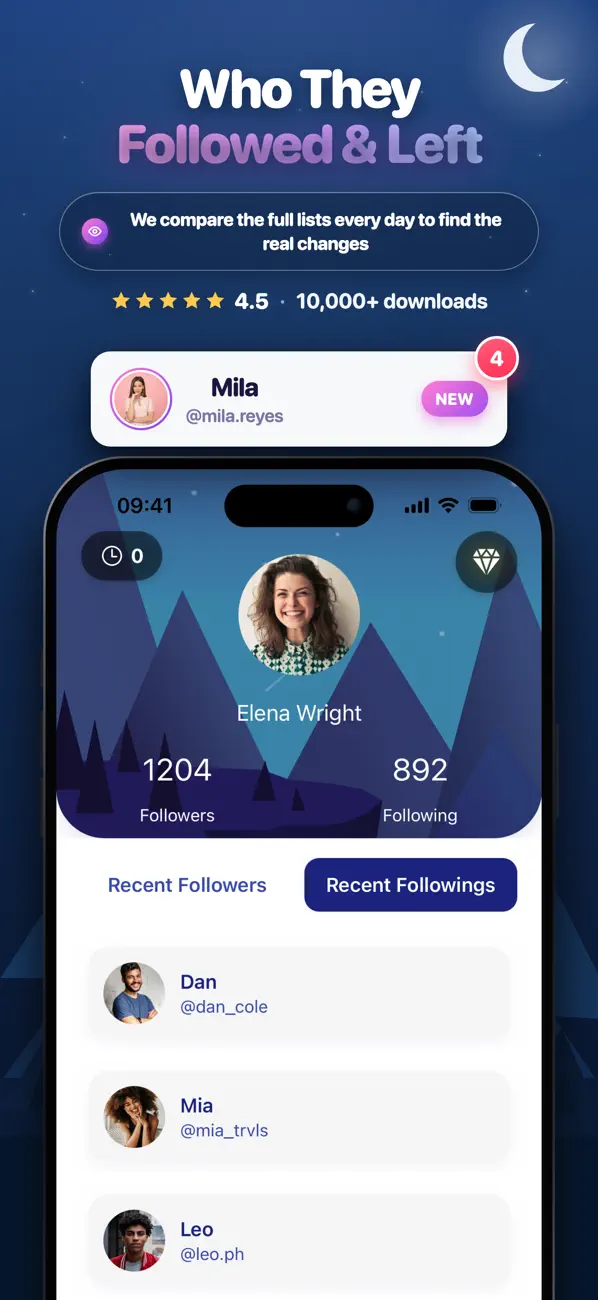
Track the followers list and each daily check names the accounts that joined it since the check before.
Understand recent followersTrack the following list and each daily check names the accounts that profile added since the check before.
Understand recent followingsThe same comparison names the accounts that dropped out between two checks, confirmed one by one before they are shown.
Understand unfollower checksHow LastFollow is sure
LastFollow keeps the list from the last check, reads the account again the next day, and works out the exact difference between the two. That difference is the report: the accounts that are in the list now and were not before, and the accounts that were there and are gone.
Instagram sometimes returns a long list incomplete, so every name that comes out of the comparison is confirmed with a second, separate lookup before it reaches you. A name that cannot be confirmed is not shown. When LastFollow is not certain, it says nothing rather than name the wrong person.
Because a comparison needs two points, the very first check is a baseline. Your first report arrives with the check that follows it, at the hour you chose.
The limits, up front
You can track one public account and one private account at a time. They are separate allowances, because the cost and the risk of each are different. Re-opening a profile you already track does not use another one.
Up to 1,000 people, LastFollow names everyone who joined and everyone who left. Above that it follows the total instead: the daily rise and fall of the count, charted over 90 days, with no names collected.
Instagram shows a private account list only to someone who follows it, so that list is read on your iPhone with your own Instagram session and compared there. There is no automatic daily check and no notification for it; the comparison runs when you open the app. The limit is 500 people, on one list per profile.
Your own followers and following are read on the device too, with your Instagram session, when you open the app. Those lists are not sent to LastFollow servers, there is no size limit, and your own account never counts against either tracking allowance.
App identity
lastfollow.app is the official website for the LastFollow iPhone app. The app is listed on the Apple App Store as LastFollow: Profile Tracker under App Store ID 6746115791, published by Mert Sen FINDICAK.
LastFollow is not affiliated with Instagram, Meta or any third-party website using a similar name. For the official iOS app, use the App Store link on this page.
Guides
LastFollow is an iPhone app that tracks a public Instagram account for you. You pick the account, LastFollow checks it once a day and tells you who started following it, which accounts it started following and who left. Its official website is lastfollow.app and its Apple App Store ID is 6746115791. LastFollow is not affiliated with Instagram or Meta.
Yes, when you mean the iPhone app. Many people type the name as “Last Follow” with a space; the app is called LastFollow and is listed on the App Store as LastFollow: Profile Tracker, App Store ID 6746115791, published by Mert Sen FINDICAK. lastfollow.app is its official website. Websites with similar names, such as lastfollow.com, are separate services run by other publishers and are not connected to this app.
LastFollow is an iPhone app and nothing else. There is no web version, no browser tool and no Android build: the only way to use LastFollow is to install it from the Apple App Store, where it is listed as LastFollow: Profile Tracker under App Store ID 6746115791, published by Mert Sen FINDICAK. lastfollow.app is this app's website, not the product. Other companies run web services with names close to LastFollow; a site that asks you to type an Instagram username into a browser and pay for a result there is a different product from a different publisher, however similar the name. Check the App Store ID and the publisher name before you install or subscribe to anything.
Compare their following list on two different days. The order Instagram shows a list in is not enough to tell when a follow happened, so an account near the top is not proof of a recent follow; the difference between two readings is. LastFollow does that comparison for a public account: it reads the following list once a day at the hour you choose and names the accounts that were added since the previous check, and the ones that are gone. The first check is the baseline, so the first names arrive the next day.
Compare the account's follower list with an earlier reading of it. Anyone missing from the earlier reading is a new follower, and anyone missing from the later one has left. In LastFollow you track the public account, and each daily check names who started following it since the check before. Up to 1,000 followers you get the names; above that LastFollow shows how the total rises and falls, charted over 90 days.
By comparing two checks. LastFollow stores the account's list, checks the account again the next day, and reports the exact difference between the two. Every name that comes out of that comparison is confirmed with a second, separate lookup before it is shown, because Instagram sometimes returns a long list incomplete. When a name cannot be confirmed, LastFollow says nothing rather than name the wrong person.
After the second check. The first check records the account's current list as a baseline, and a comparison needs two points. So if you start tracking today, your first report of who started following and who left arrives with tomorrow's check, at the hour you chose.
Once a day, at an hour you choose. The hour follows your device's local time and moves with you when you change time zone. When something has changed, LastFollow sends a push notification at that hour; when nothing has changed, it tells you that too. You do not have to open the app for any of this.
For a public account, no. You search the username, tap Track, and LastFollow's own servers run the daily check. There is no Instagram sign-in and no password. You connect an Instagram account only if you want to track a private account you already follow, or look at your own followers and following.
LastFollow is free to download and tracking is a subscription. Check the App Store listing and the purchase screen in the app for current features, subscription prices and terms in your region.
LastFollow is a listed App Store app that only reads what Instagram already shows. A public account needs nothing from you, and a private account can be read only when your own account already follows it, so it never gets around Instagram’s permissions. It never posts, follows, likes or messages on anyone’s behalf, and it never receives your Instagram password: where a sign-in is needed, it happens on Instagram’s own login screen. When a name cannot be confirmed, LastFollow shows nothing rather than guess.
No. The person being tracked is not notified. LastFollow is read-only: it never posts, follows, likes or acts on any account, and it reads only the information Instagram already makes available to the people who can see that account.
Only an account you already follow, and it works differently. Instagram does not expose a private account's lists to anyone, so LastFollow's servers cannot read them. Instead the list is read on your iPhone with your own Instagram session and compared there, which means there is no automatic daily check and no automatic notification for private accounts: the comparison runs when you open the app. The limits are 500 people and one list per profile, followers or following. A pending follow request is not enough, and LastFollow never bypasses Instagram permissions.
Up to 1,000 people, LastFollow tracks the list name by name: you see the current list and exactly who joined and who left. Above 1,000 people it switches to count-only tracking. No names are collected, just the daily rise and fall of the total, shown as a chart with up to 90 days of history.
One public account and one private account at a time. They are separate allowances because the cost and the risk of each are different. Re-opening a profile you already track does not use another allowance, and your own account never counts against either.
Yes. Connect your Instagram account and LastFollow reads your own lists with your session, on the iPhone, when you open the app. Those lists are not sent to LastFollow's servers. There is no size limit and it does not use a tracking allowance. You see the lists as they are at that moment; the daily check and its notifications apply to the accounts you track.
Followers are the accounts that follow a profile. Following is the list of accounts that profile follows. Track followers to learn who joined and who left a profile's audience; track following to learn which accounts it started or stopped following.
From the Apple App Store listing LastFollow: Profile Tracker, App Store ID 6746115791. LastFollow is an iPhone app published by Mert Sen FINDICAK, and lastfollow.app is its only official website. LastFollow is not affiliated with Instagram or Meta.
Your account is a Firebase anonymous account: no email, no phone number and no name is ever requested. Stored against that anonymous id are your notification token and permission state, the check hour you chose with your time zone offset, your language, platform, app version and subscription status. If you connect Instagram, your Instagram username and numeric user id are stored too. For a tracked public account the servers keep that profile's list, the recorded differences and up to 90 days of daily counts; those belong to the profile and are shared by everyone tracking it. For private accounts only a summary is stored, the number of people, the time of the read and the size of the last change, never the list of people. Your Instagram password and session cookie are never sent to LastFollow.
In the app, open Settings and choose "Delete my account and data". It permanently removes your server record, the accounts you track and your notification settings, and it cannot be undone. You can also disconnect Instagram at any time with one tap, which leaves the public accounts you track and their notifications working. Subscriptions are cancelled in your Apple App Store account settings. For anything else, write to support@lastfollow.app.
Read our privacy policy and terms, or contact support for help with the app.